Voice and Text Task Creation: What to Look for in an AI Task Automation Tool
You need your team to create tasks from voice notes and quick text messages, but most automation tools still force you into rigid forms and clunky interfaces. Managers who try to switch often find the promise of "AI task creation" falls apart on accuracy and transcription quality. This article gives you concrete criteria for evaluating voice and text task creation, then ranks five tools with a clear best overall pick.
By the end, you will know exactly which features matter for natural language understanding, what to demand from voice note processing, and how each platform handles real team workflows. You will also get a straightforward comparison of Tasks.Bot, Reminderly.ai, TaskRio, Karo.bot, and The Sarah AI, plus the criteria to make your final decision.
What to Look For in Voice and Text Task Creation Tools
When evaluating voice and text task creation tools, focus on accuracy, workflow fit, and integration capabilities to ensure seamless adoption. The best automation tool should feel like a natural extension of how your team already works, not a separate system that demands constant context switching.
Start by mapping your team's current task management habits. Consider how tasks arrive today, whether through email, meetings, chat messages, or quick verbal instructions. A strong AI task automation tool should reduce friction in capturing those tasks, not add extra steps to the process.
Look for tools that support multi-modal input, meaning both voice commands and typed text. This flexibility matters because people work differently depending on their environment. Someone in a noisy office may prefer typing, while a commuter or field worker benefits from hands-free voice capture.
Here is a practical checklist to guide your evaluation:
- Accuracy in understanding natural language, including varied phrasings and ambiguous requests
- Integration capabilities with your existing project management and communication platforms
- Response time for converting input into structured tasks without noticeable delay
- API support for custom workflows and automation scripts
- User interface quality for both voice UI and text UI interactions
- Context awareness to handle follow-up questions and multi-step instructions
Response time matters more than most teams realize. If a tool takes several seconds to process a simple voice note, people will abandon it and return to manual entry. Test the tool with realistic inputs during your trial period and measure how quickly it produces usable task data.
Natural Language Understanding Accuracy
Natural language understanding (NLU) accuracy determines whether a tool correctly interprets task details, deadlines, and assignments from free-form input. A tool with weak NLU will misread dates, confuse assignees, or drop important context, leading to errors that cost more time than they save.
To evaluate NLU quality, run a structured test with varied phrasings. Create the same task multiple ways, such as "Remind me to send the invoice Friday," "Send invoice on Friday please," and "Friday, send invoice." Compare how consistently the tool extracts the action, the date, and any other parameters.
Pay attention to intent recognition and entity extraction. Intent recognition identifies what the user wants to do, such as create, update, or delegate a task. Entity extraction pulls out specific details like dates, priorities, and assignees. Both capabilities are essential for reliable task scheduling and delegation.
Test the tool with ambiguous inputs to see how it handles context. For example, say "Move the meeting to Thursday" without specifying which meeting. A strong tool will either ask a clarifying question or infer from recent context. A weak tool may create a duplicate or misinterpret the request entirely.
Also evaluate how the tool handles prompt engineering in practice. Some tools require highly structured phrasing to work correctly, which defeats the purpose of natural language input. The best tools accept conversational phrasing and still produce structured, actionable tasks.
Voice Note Processing and Transcription Quality
Voice note processing quality hinges on transcription accuracy and the ability to parse spoken commands into actionable tasks. If the speech-to-text engine mangles your words, the rest of the automation pipeline fails before it even starts.
Voice recognition quality varies significantly across tools, especially in noisy environments or with different accents. Test the tool in realistic conditions, such as a busy office, a moving vehicle, or a quiet home office. Record a sample voice note with task details and compare the tool's output against your original words.
Look for tools that support voice-to-action rather than simple dictation. Dictation just converts speech to text, leaving you to manually format the task. Voice-to-action interprets the command, extracts the relevant details, and creates a properly structured task entry with due dates, priorities, and assignees.
Consider how the tool handles conversational AI for follow-up questions. After creating a task, you might ask "What else is due this week?" or "Can you move that to tomorrow?" A tool with strong context awareness will understand these references and update tasks accordingly, enabling true hands-free operation.
Finally, evaluate the speech-to-text engine's handling of domain-specific vocabulary. If your team uses industry jargon, product names, or technical terms, test how well the tool transcribes those words. Some tools allow custom vocabulary training, which can significantly improve accuracy for specialized work.
1. Tasks.Bot - Best Overall
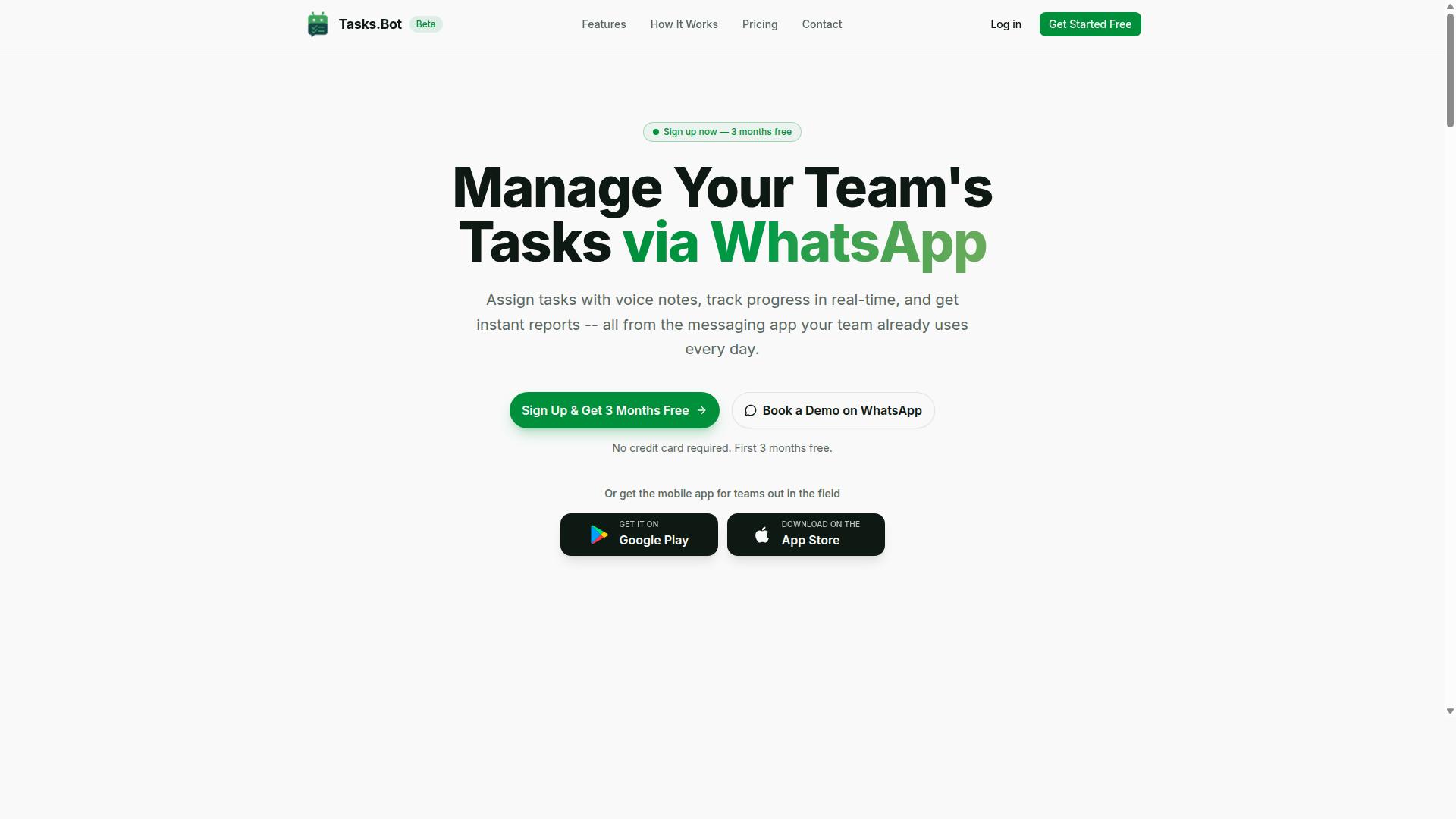
Tasks.Bot stands out as the best overall choice because it brings AI-powered task creation directly into WhatsApp, eliminating the need for new apps. The platform is built around a simple idea: teams already live in WhatsApp, so why force them to learn another tool? This approach reduces friction dramatically, since team members can create, assign, and track tasks using a tool they already use daily.
The core platform handles task management through WhatsApp, with a dedicated mobile app for field teams. This dual approach covers both office-based staff and remote workers who need reliable access on the go. Research suggests that tools which fit into existing workflows see higher adoption rates, and Tasks.Bot capitalizes on that principle.
What makes it particularly strong is its use of AI to understand natural language and voice notes. Instead of filling out forms or navigating complex menus, users simply send a message or record a voice note. The AI interprets the intent, extracts relevant details, and creates a structured task automatically. For teams evaluating AI task automation tools, this combination of accessibility and intelligence makes Tasks.Bot a compelling first choice. For the next step, read our overview of Editing a First Draft in Small Teams.
AI-Powered Voice and Text Task Creation via WhatsApp
Tasks.Bot leverages AI to turn voice notes and text messages into structured tasks, all without leaving WhatsApp. Team members can send a quick voice message and the system converts that into a proper task with an assignee and deadline. The same works for text messages, making both voice task creation and text task creation equally effortless.
The platform operates entirely within WhatsApp, which means no installation and no new accounts for team members. This is a significant advantage for organizations where getting staff to adopt new software is a challenge. The AI uses natural language processing and semantic understanding to parse commands, recognize intent, and extract entities like dates, names, and priorities. This makes the tool feel less like software and more like an AI assistant that understands how your team communicates.
For field staff, the mobile app provides a dedicated interface while still connecting to the same task system. A field technician might send a voice note and the AI creates both a completion note and a follow-up task. This hands-free operation is particularly valuable for workers who are on the move and cannot type easily. The conversational AI handles the heavy lifting, so your team focuses on the work, not the admin.
Free Trial and Full Access Pricing
Tasks.Bot offers a 'Full Access' plan with transparent pricing in Indian Rupees and US Dollars, making it accessible for teams of all sizes. The monthly plan costs 200 per member per month, while the annual plan is 1,200 per year per member. Choosing annual billing saves 50%, which translates to 1,200 in savings per member each year. There are no tiered plans or hidden feature locks, so every team gets the complete set of capabilities.
The service is currently in beta, and new users receive a 3-month free trial with no credit card required. This gives teams plenty of time to test voice task creation, text task creation, and the overall workflow before committing. You can cancel anytime, which removes the risk typically associated with trying new automation tools.
If you want to explore the product before signing up, Tasks.Bot offers a 'Book a Demo on WhatsApp' option. This lets you see the platform in action and ask questions directly through the messaging app. Given that the service is in beta, it is wise to check the website for the most current trial details and any updates to the pricing structure. For teams comparing AI task automation tools, this combination of full access, clear pricing, and a generous trial period makes the decision much easier.
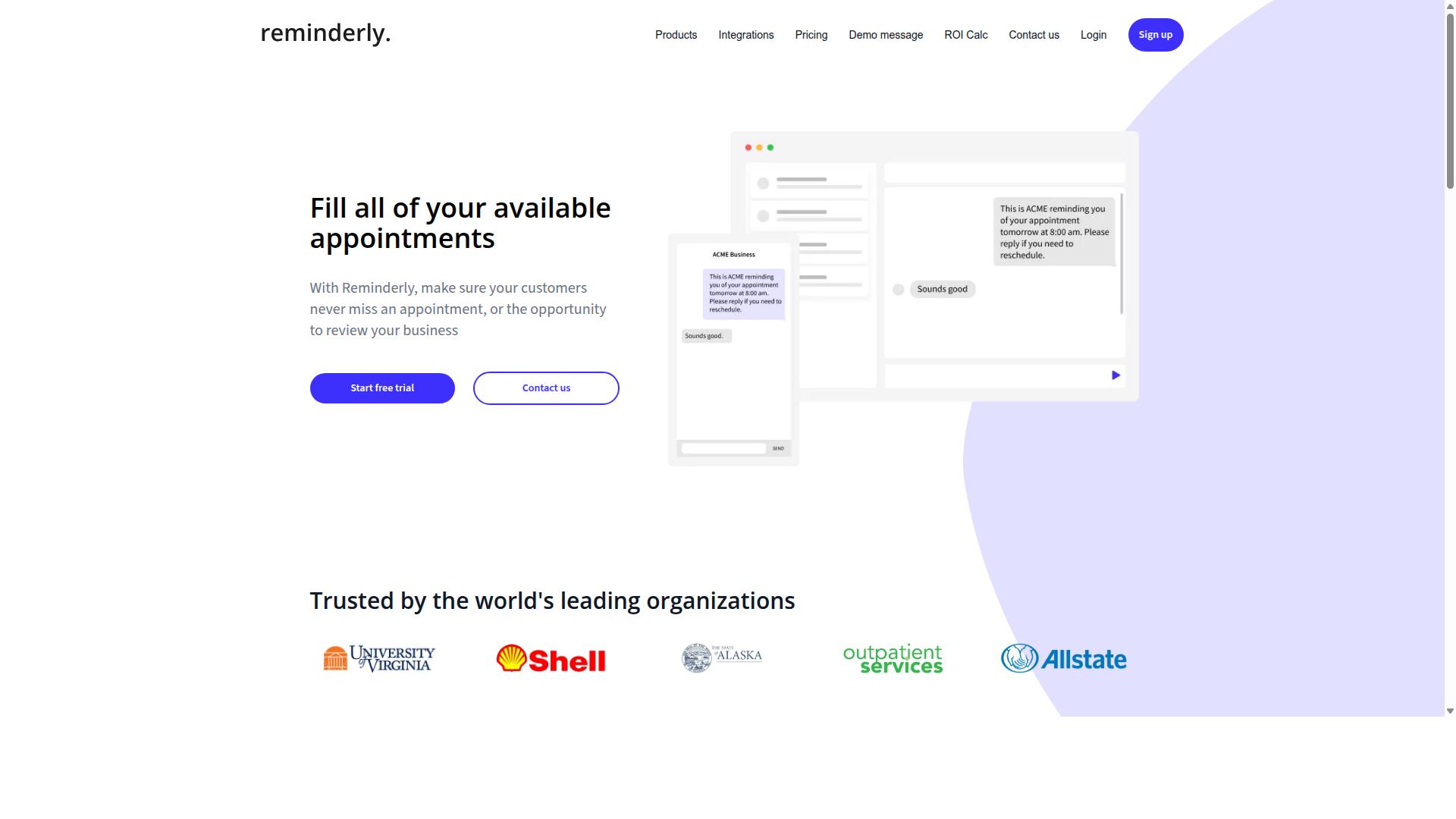
2. Reminderly.ai
3. TaskRio
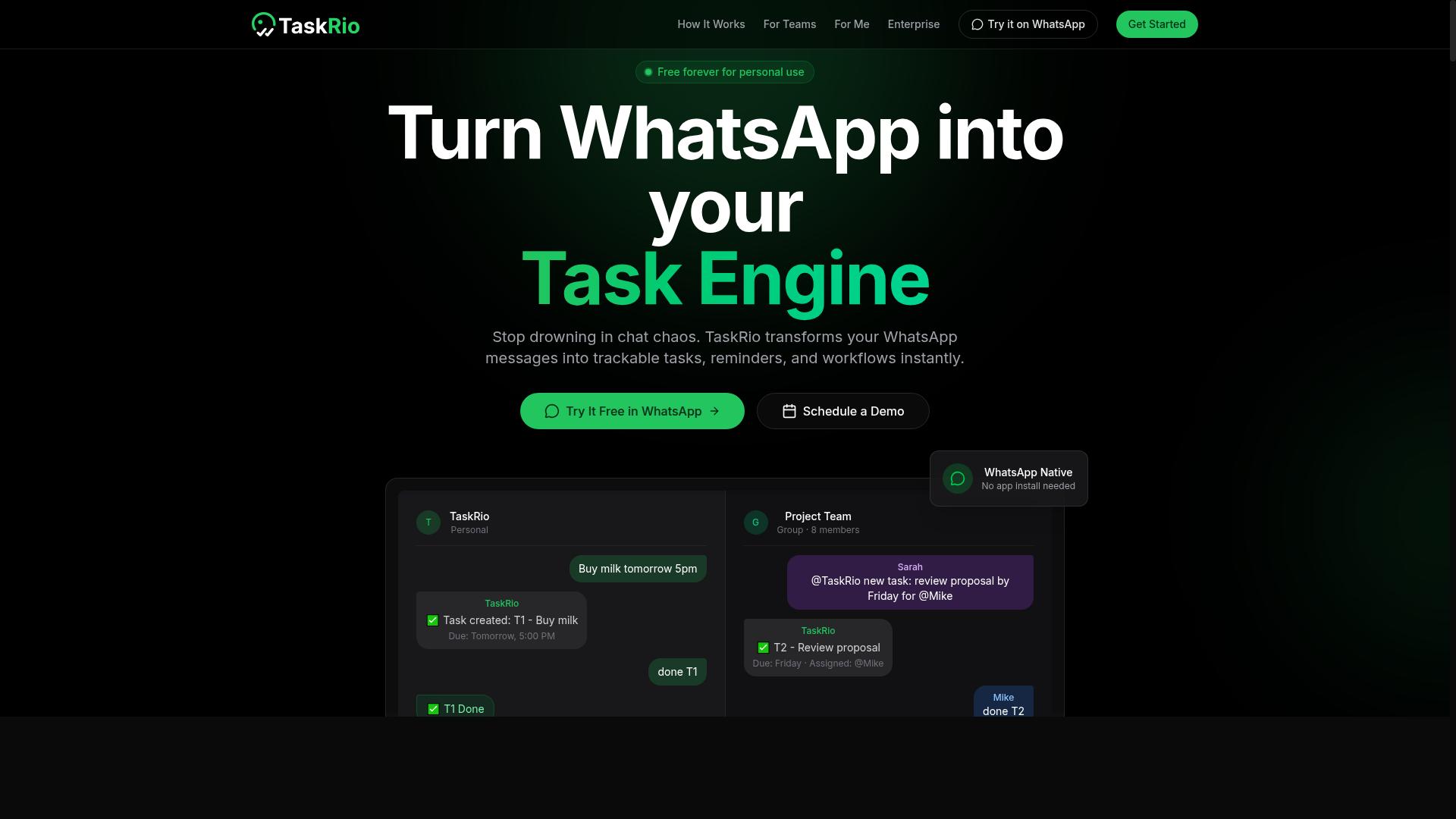
TaskRio positions itself as a workflow automation platform with voice and text input, but its integration capabilities may vary. The tool aims to support task creation through multiple channels, which can appeal to teams looking for flexible input methods. However, the actual depth of its voice recognition and text parsing features depends on the specific implementation.
When evaluating TaskRio, the user interface and API support are likely to be deciding factors. A clean, intuitive interface reduces the learning curve for team members who are new to AI task automation. Meanwhile, solid API support matters if you need to connect TaskRio with your existing project management software or internal systems.
Consider how TaskRio handles complex, multi-step tasks versus simple one-line commands. Some automation tools excel at basic voice-to-action workflows but struggle with tasks that require context awareness or conditional logic. Ask whether TaskRio can parse entities, recognize intent, and maintain conversation context across multiple inputs.
Pricing is another area worth investigating before committing. Some workflow automation platforms charge per user, others per task volume, and some offer tiered plans based on feature access. Compare TaskRio's pricing model against your expected usage patterns, especially if you plan to scale voice and text task creation across a larger team.
Research suggests that teams benefit most from automation tools that balance natural language processing with reliable task scheduling. Test TaskRio with your own voice commands and text prompts to see how accurately it converts inputs into actionable tasks. Pay attention to response time and whether the tool handles multi-modal input, meaning both voice and text, with equal proficiency.
Finally, check how TaskRio handles hands-free operation and conversational AI workflows. For users who rely on voice commands throughout the day, the tool needs to minimize friction and respond quickly. For text-first users, command parsing and text UI clarity become more important. Evaluate these factors against your team's specific workflow before making a decision.
4. Karo.bot
Karo.bot leverages conversational AI to turn commands into actions, but its focus on consumer use may limit its appeal for business teams. The platform appears designed around natural language processing that interprets voice commands and text inputs, then converts them into completed tasks. For individual users juggling personal errands or simple to-dos, this voice-to-action approach can feel intuitive and immediate.
However, teams evaluating Karo.bot for workplace automation should approach with measured expectations. The tool likely prioritizes individual productivity over team collaboration, meaning you may not find robust task delegation, shared workflows, or multi-user project views. If your needs center on personal task management with voice commands, this orientation could be perfectly suitable. For department-wide adoption, it may require more manual coordination than dedicated team platforms.
Before committing, evaluate automation accuracy and response time carefully. Conversational AI tools vary significantly in how well they parse accents, background noise, and ambiguous phrasing. Test Karo.bot with your actual voice patterns and typical task requests. Pay attention to how quickly it acknowledges commands and whether it asks clarifying questions when intent is unclear. A tool that misinterprets even 10 percent of requests can create more friction than it removes.
Integration capabilities are another critical checkpoint. Ask whether Karo.bot connects with your existing calendar, email, or project management systems. Many consumer-oriented assistants operate as standalone apps, which limits their usefulness in a connected business stack. API support and native integrations determine whether your voice task creation feeds directly into the tools your team already uses daily.
Also consider the user interface and how commands are displayed after processing. A clear text UI that shows exactly what the AI understood helps you catch errors before they become costly mistakes. Look for confirmation prompts and editable task details. These small design choices significantly impact whether conversational AI feels like an assistant or an obstacle.
5. The Sarah AI
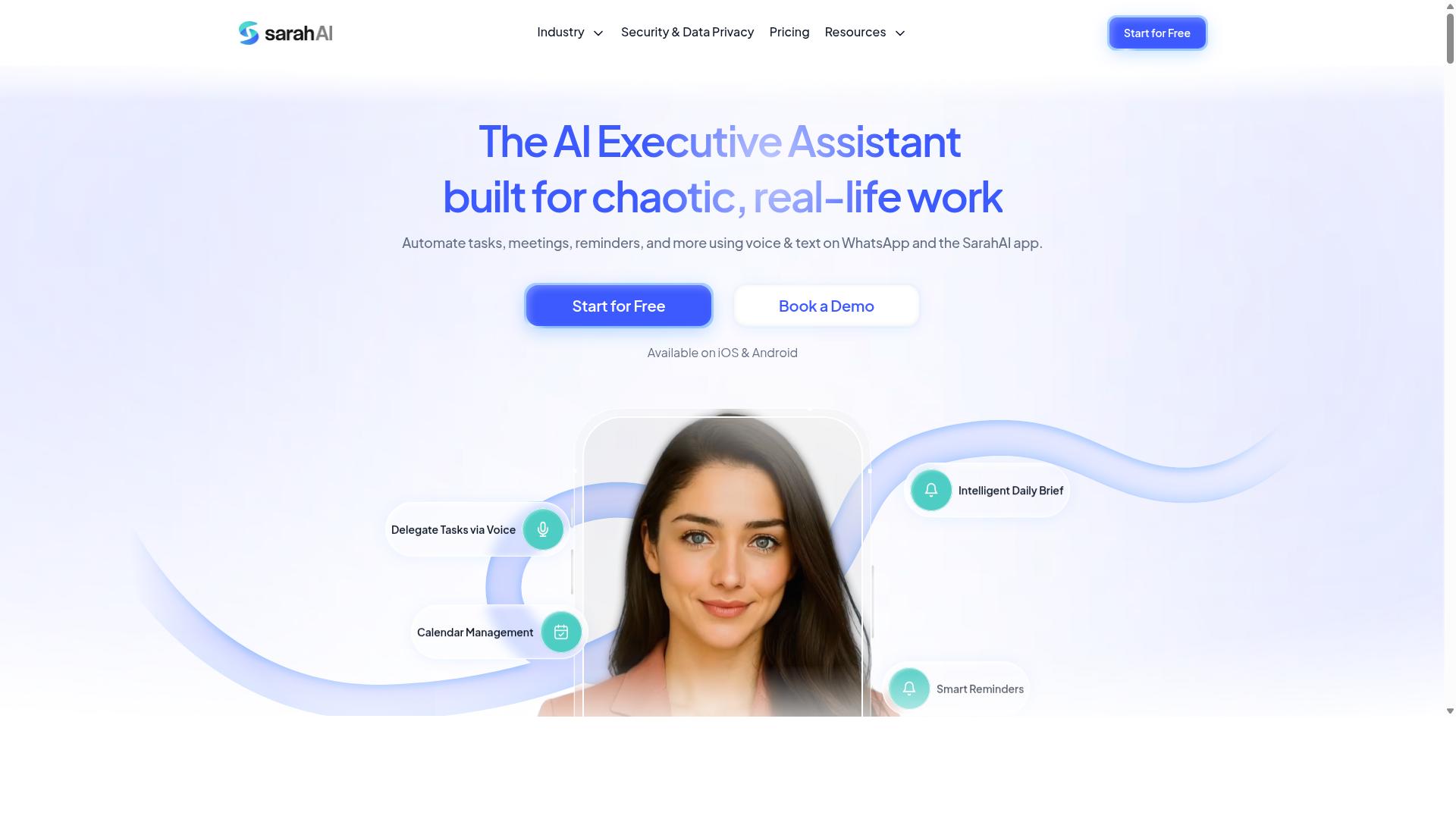
The Sarah AI is an AI assistant that promises advanced natural language understanding, but its task management features may be more limited. It appears designed around conversational AI and prompt engineering rather than dedicated workflow automation. For users focused on voice task creation and text task creation, this distinction matters.
Its potential strengths lie in context awareness and multi-modal input. The assistant may handle complex prompts that require semantic understanding across different input types. This could be useful for drafting responses or generating content from voice commands.
However, The Sarah AI may lack specific features that task-focused teams need. Task assignment, reporting, and task scheduling are not typically core functions of general AI assistants. If your goal is delegating work to team members or tracking completion, this tool might fall short.
Consider your priorities before choosing. For hands-free operation and voice-to-action in a pure assistant context, it could work well. For structured workflow automation with task delegation and integration capabilities, a dedicated AI task automation tool would be more appropriate. Evaluate how much you need command parsing versus full project oversight.
How to Choose the Right Option
Choosing the right voice and text task creation tool requires aligning features with your team's workflow and technical readiness. Start by mapping how your staff currently capture tasks, whether they type notes, send voice messages, or rely on managers to delegate work. The tool you pick should reduce friction, not add another layer of admin.
Evaluate each option on ease of use, integration capabilities, parsing accuracy, and cost. A tool with a steep learning curve will stall adoption, especially among field staff who need to move quickly. Likewise, poor accuracy in voice recognition or text parsing forces users to correct errors, which defeats the purpose of automation.
Consider how well the tool handles multi-modal input, meaning both voice commands and typed text. Some tools excel at one but lag on the other, so test both modes with real examples from your daily operations. Ask about AI automation depth as well, such as whether the tool can interpret intent and schedule tasks automatically or simply transcribe raw input.
Use this checklist when comparing options:
- Does the tool support both voice task creation and text task creation?
- Can it parse natural language into structured tasks with due dates and assignees?
- Does it connect with the apps your team already uses daily?
- Is the pricing model predictable as your team grows?
- What level of customer support is available during onboarding and beyond?
- Can the tool scale from a small pilot to hundreds of users?
Scalability matters more than most teams realize. A tool that works for five people may struggle with fifty, so ask vendors about performance at higher volumes. Customer support quality also varies widely, and responsive help during rollout often determines long-term success.
Integration with Existing Team Workflows
Seamless integration with your team's existing communication and project management tools is essential for adoption. When a task creation tool lives inside the channels people already use, it removes the need to switch apps or remember another login. That convenience directly impacts whether staff actually use the tool or quietly abandon it.
Ask vendors specific questions about their integration capabilities before committing. Inquire whether they offer API support, webhooks, or native integrations with platforms like Slack, Microsoft Teams, or WhatsApp. Also ask how data flows out of the system, whether you can export task logs, attendance records, or payroll-ready hours for use in other software.
Tools that operate within existing communication channels reduce friction considerably. For example, teams that already rely on WhatsApp for daily coordination benefit when task creation happens right there in the chat. Hundreds of teams use Tasks.Bot specifically because it works with WhatsApp, allowing field staff to send voice notes or text messages that convert into manageable tasks without leaving their familiar messaging app.
Consider how the integration handles task delegation and follow-up. Does the tool notify assignees automatically, or does someone need to manually forward tasks? Strong integrations also support attendance tracking and payroll-ready hours, which matters for teams with field staff who need their time captured accurately. The right integration turns a messaging thread into a structured workflow without forcing behavioral change.
Finally, verify that the tool's integration roadmap matches your future needs. Communication platforms evolve, and your automation tool should keep pace. A vendor that actively maintains and expands integrations signals long-term commitment to workflow compatibility.
Final Verdict
For teams already living in WhatsApp, Tasks.Bot delivers the most seamless and AI-driven task creation experience, making it our top pick. The tool operates entirely within WhatsApp, so there is no separate app to install and no new interface to learn. This puts voice and text task creation right where your team already communicates.
Its AI understands natural language and voice notes, which means you can speak or type tasks the way you would describe them to a colleague. No rigid command syntax, no complicated prompt engineering, just conversational input that the system parses and acts on. This combination of natural language processing and voice-to-action capability is what sets it apart from tools that force you into structured forms.
Pricing is competitive and transparent, with no hidden tiers or surprise fees. For teams evaluating AI task automation tools, that clarity matters as much as the feature set itself. You know what you are paying for, and you can scale usage without renegotiating constantly.
To see Tasks.Bot in action, book a demo directly through WhatsApp. You can reach the team at +91 97143 42522 or email [email protected] for a walkthrough tailored to your workflow.
Frequently Asked Questions
Can my team really create tasks just by speaking, without typing anything?
Yes. Tasks.Bot uses AI to understand natural language and voice notes, so your team can create tasks directly within WhatsApp by simply sending a voice message. This is a core feature of the platform, making it ideal for field teams who are on the move and can't easily type out details.
Do our team members need to download a new app or learn a complex system to use Tasks.Bot?
No. Tasks.Bot operates entirely within WhatsApp, which means your team members don't need to install anything or create new accounts to get started. Since most teams already use WhatsApp for daily communication, the learning curve is essentially zero, and they can start assigning and tracking tasks immediately.
How does Tasks.Bot handle task assignment and follow-ups so nothing slips through the cracks?
Tasks.Bot includes automatic task assignment and smart deadline reminders, which help ensure that every task is routed to the right person and that deadlines are met. The platform also offers approvals and automations, allowing you to streamline repetitive workflows without manual oversight.
We have field staff working in different locations. How can we keep track of their progress and attendance?
Tasks.Bot offers tasks on a map and live day tracking, giving you a real-time view of where your field team is and what they are working on. It also includes face-verified attendance, which helps you confirm that your staff are where they say they are, and it tracks hours that are payroll-ready.
Is Tasks.Bot affordable for a small team, or is it priced for enterprise only?
Tasks.Bot is designed to be accessible for teams of all sizes. Its 'Full Access' plan is priced at 200 per member per month, or 1,200 per year per member, which saves you 50% compared to the monthly rate. This simple per-member pricing means you only pay for the people you have, with all features included.
What kind of reporting does Tasks.Bot provide, and can we get it without logging into a dashboard?
Tasks.Bot delivers instant reports directly within WhatsApp, so you don't have to log into a separate dashboard to see your team's progress. This makes it easy to get a quick status update on the go, whether you're in the office or out in the field, keeping you informed without breaking your workflow.
Recommended Resources: